Blog
Saving Dash Cam Footage After an Incident
The loop is already overwriting the clip you need. What to do in the first minutes, and why pulling files over wi-fi is the least reliable option.
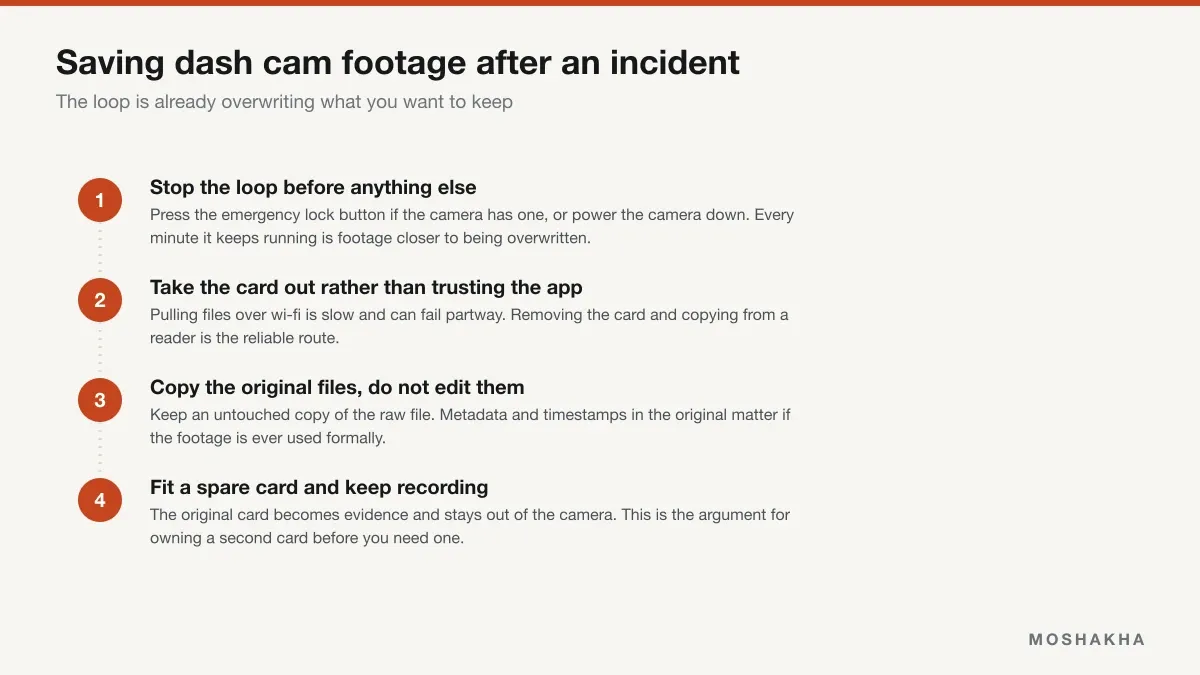
A dash cam is only useful if the footage survives the hour after the thing it recorded. The default behavior of every loop-recording camera works against that.
The clock is already running
A dash cam records in a loop: it fills the card, then overwrites the oldest footage and continues.
Unless the G-sensor triggered and locked the file, the camera has no idea anything happened. It keeps looping, and depending on card size and channel count it can reach the clip you need within hours.
That’s why the first action matters more than the careful ones that follow.
Stop the loop first
Press the emergency lock button if your camera has one — it moves the current clip into a protected folder the loop won’t touch. Most cameras trigger this automatically on a hard impact, but not every incident is a hard impact.
If there’s no lock button, power the camera down. Nothing recording means nothing overwriting.
Worth knowing where that button is before you need it. Hunting for it afterwards costs exactly the minutes that matter.
Take the card out rather than using the app
Wi-fi transfer works and it’s the least reliable option available. It’s slow, large files sometimes fail partway, and you’re operating a phone app in a stressful situation.
Pull the card, copy from a reader. Use the app to confirm you’ve got the right clip if that’s convenient, but do the actual copying properly.
See the memory cards from our guideKeep the original file untouched
Original files carry metadata — timestamps, and on GPS-equipped cameras speed and location data. Re-encoding or editing can strip it.
If a shorter clip is useful for sharing, make that a copy and preserve the original separately. It costs nothing and it’s the version that matters if the footage is ever used formally.
Own a second card
This is the practical conclusion of everything above.
The card from an incident should come out of the camera and stay out. If you leave it in, the camera keeps looping and may eventually overwrite even the protected folder once it fills.
But a camera with no card isn’t recording, and you still have to drive the car. A spare card in the glovebox means you can preserve the original immediately without losing coverage — which is why card capacity and having a second one are worth thinking about before you need either. Both are covered in dash cam memory cards.
Check it’s actually working, periodically
The worst version of this is discovering after an incident that the card failed silently weeks ago and nothing has been recorded since.
Endurance cards wear out, and dash cams generally don’t warn you. Pull a recent clip every month or two and confirm it plays — that habit, and formatting the card in-camera regularly, is what makes the rest of this article possible.
Frequently asked questions
How long before a dash cam overwrites the footage?
It depends entirely on card size and how many channels are recording, but it can be as little as a few hours on a small card with front and rear cameras running. That's the reason urgency matters — the camera doesn't know an incident happened unless the G-sensor triggered, so it carries on looping and will eventually reach the clip you need and write over it.
Does the emergency lock button actually protect the file?
Yes, that's exactly what it does — it moves the current clip into a protected folder that the loop won't overwrite. Most cameras also trigger it automatically via the G-sensor on a hard impact. It's worth knowing where that button is before you need it, because looking for it afterwards costs the minutes that matter.
Should I pull footage over the camera's wi-fi app?
It works but it's the least reliable route. Transfers are slow, large files sometimes fail partway, and you're doing it on a phone in a stressful situation. Taking the card out and copying from a card reader is faster and far less likely to go wrong. Use the app to check you have the right clip, then copy the files properly.
Should I edit or trim the footage before sharing it?
Keep an untouched copy of the original file regardless of what else you do. Original files carry metadata — timestamps, and on GPS-equipped cameras speed and location — and re-encoding can strip it. If a shorter clip is needed for convenience, make it a copy and preserve the original separately.
What do I do with the card afterwards?
Take it out of the camera and keep it aside, and fit a spare so the camera keeps recording. If you leave the original card in, it carries on looping and may eventually overwrite the protected files too once the protected folder fills. That's the practical reason to own a second card before you need one.