Buying Guides
Dash Cam Memory Cards: Why Standard Cards Fail Silently
An ordinary microSD card in a dash cam doesn't announce its failure — it keeps recording files you can't read. What endurance rating actually buys you.
Moshakha is reader-supported. When you buy through links on our site, we may earn an affiliate commission at no extra cost to you. How we make money.
At a glance
Rated on sustained write endurance rather than headline read speed. Prices move constantly, so we link out for live pricing rather than quoting figures that go stale.
| Product | Award | Best for | Rating | Jump to review |
|---|---|---|---|---|
| SanDisk High Endurance 128GB microSDXC | Best overall | A single-channel 1080p or 2K camera — the size most people actually need | Details | |
| Samsung PRO Endurance 256GB microSDXC | Best for dual-channel | Front-and-rear setups, or any camera you want a long loop on | Details | |
| SanDisk High Endurance 256GB microSDXC | Best mid-size alternative | Staying on one brand across two cameras, or a longer single-channel loop | Details | |
| SanDisk High Endurance 512GB microSD | Best for parking mode | Buffered parking mode, which records while the car is parked and eats capacity | Details | |
| Samsung PRO Endurance 128GB (MB-MJ128GA/AM) | Budget pick, with a caveat | A 1080p single-channel camera on a tight budget | Details |
A dash cam is the one device where the storage fails more often than the hardware, and it fails in the worst possible way: quietly.
Why the failure is silent
An ordinary microSD card is designed for the workload a camera or phone gives it — write some files, read them back, occasionally delete. A dash cam does something completely different. It writes continuously, fills the card, then overwrites the oldest footage and keeps going, every minute the car is running.
That cycle wears out flash memory. And when a worn card starts failing, the camera usually doesn’t tell you. The recording light stays on. Files still appear. It’s only when you go looking for a specific clip — after the incident that made you want it — that you find corrupt files, missing segments, or a card the camera can no longer read.
There is no warning stage. That’s the entire argument for spending more on the card than feels proportionate.
Endurance is a durability spec, not a speed one
“High endurance” describes how much total data the card can absorb over its life, and the flash type used to get there. It’s a different claim from the speed ratings on the front.
Both matter, for different reasons:
- Endurance determines whether the card survives two years of looping.
- Sustained write speed (U3 / V30) determines whether frames drop while recording.
A fast card that isn’t endurance-rated wears out. An endurance card that’s only U1-rated can’t keep up with 2K footage. You want both, and the ratings are printed on the card itself.
The U1 versus V30 trap
This catches people out because the product names barely change between generations.
U1 guarantees 10MB/s sustained write. U3 and V30 both guarantee 30MB/s.
For a 1080p camera, U1 is genuinely adequate. For 2K, 4K, or anything recording at 60fps, it isn’t — and the failure mode is dropped frames, which you won’t see until you’re looking for a license plate that only appeared in the frames that went missing.
Pick five below is a deliberate inclusion of the older U1 version, because it’s still widely sold under a name almost identical to the current one. Check the card face, not the listing title.
Capacity is about channels, not resolution
The instinct is to size the card by video quality. The bigger variables are how many cameras are writing and whether parking mode is on.
| Setup | Reasonable size |
|---|---|
| Single 1080p channel | 128GB |
| Single 2K channel | 128–256GB |
| Front + rear channels | 256GB |
| Any setup with parking mode | 256–512GB |
Parking mode is the one that changes the calculation most, because the camera is writing while you’re not there — see how to install a dash cam for what enabling it actually requires.
How we chose
Specification analysis — endurance rating, guaranteed sustained write class, capacity against realistic write loads — plus aggregated long-term owner reports of card failure in continuous-recording use. No lab testing, no paid placement.
Treat the card as a consumable
Even a properly rated card is wearing out from the day you fit it. Two habits cost nothing and prevent most of the disappointment:
- Format it in the camera every month or two, not on a computer. The camera writes the file layout it expects, and formatting clears the fragmentation that builds up under constant looping.
- Replace it every year or two of continuous use, or sooner if the camera starts reporting errors. A card that needs formatting twice is telling you something.
The camera itself is covered in best dash cams — where, for similar reasons, sensor quality matters more than the resolution figure on the box.
The picks in detail
Best overall
1. SanDisk High Endurance 128GB microSDXC
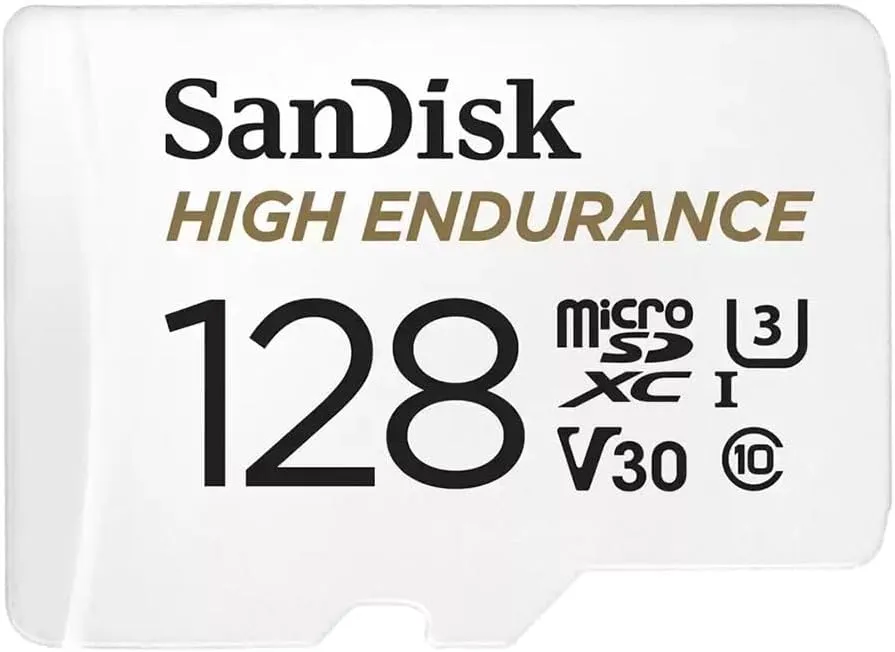
Best for: A single-channel 1080p or 2K camera — the size most people actually need
Skip if: You run two channels and parking mode, where 128GB loops faster than you'd like
The default answer for most installs. It's rated U3 and V30, meaning a guaranteed 30MB/s sustained write, and it's built for the continuous overwrite cycle that destroys ordinary cards. 128GB gives a usable loop length on one channel without paying for capacity you'll never review.
Pros
- Endurance-rated for continuous surveillance-style writing
- V30 guarantees sustained write, not just burst speed
- 128GB is the sweet spot for a single 1080p or 2K channel
- Includes a full-size SD adapter for pulling footage on a laptop
Cons
- Fills quickly if you add a rear channel or run parking mode
- Costs noticeably more than a standard card of the same size
Best for dual-channel
2. Samsung PRO Endurance 256GB microSDXC
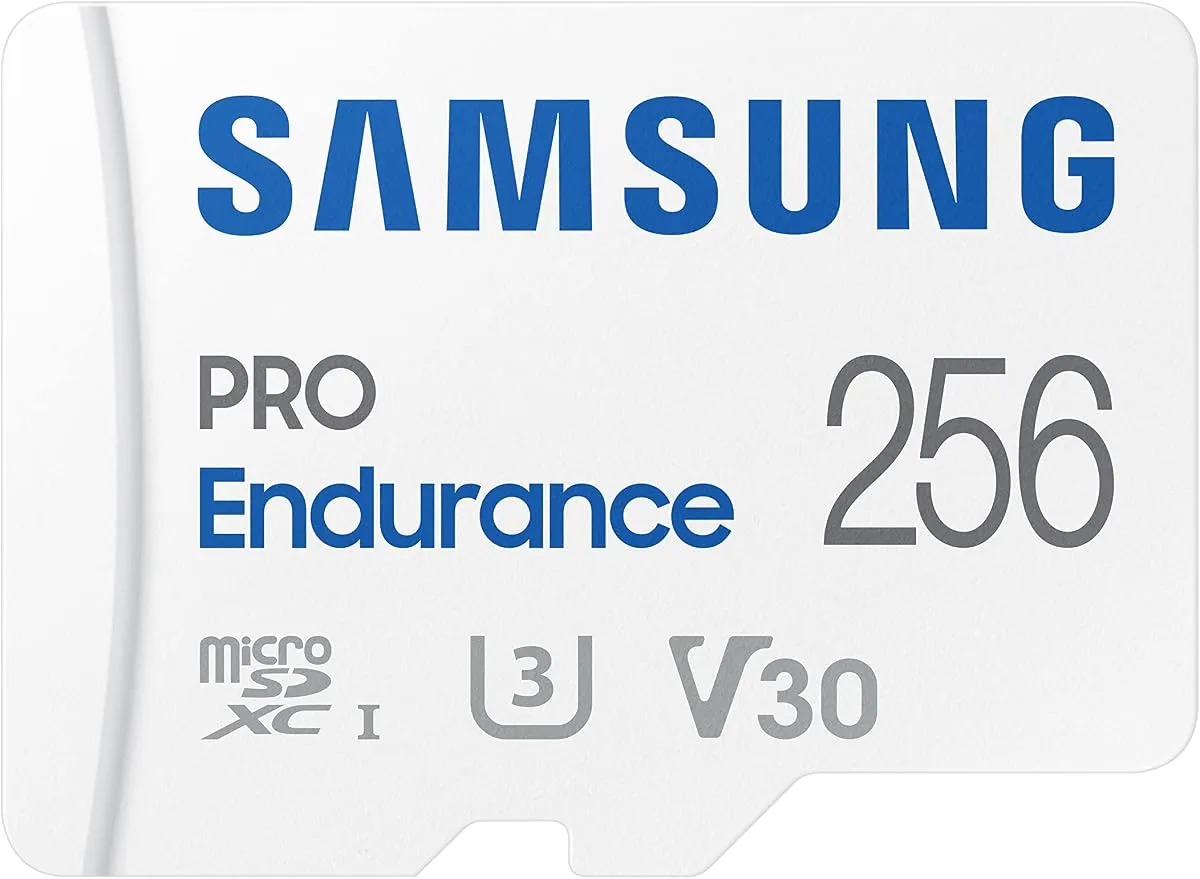
Best for: Front-and-rear setups, or any camera you want a long loop on
Skip if: You're running a single 1080p channel — this is more card than that needs
The current-generation PRO Endurance, rated U3 and V30. Two channels roughly double the write load, so a card that was comfortable on a front-only camera loops twice as fast once a rear channel joins it. 256GB restores a sensible retention window.
Pros
- U3 and V30 rated — the current generation, not the older U1 version
- 256GB keeps a useful loop length with two channels running
- Samsung's endurance line has a long track record in this use
Cons
- Overkill for a single-channel 1080p install
- Samsung sells older U1 versions under a similar name — check the rating
Best mid-size alternative
3. SanDisk High Endurance 256GB microSDXC
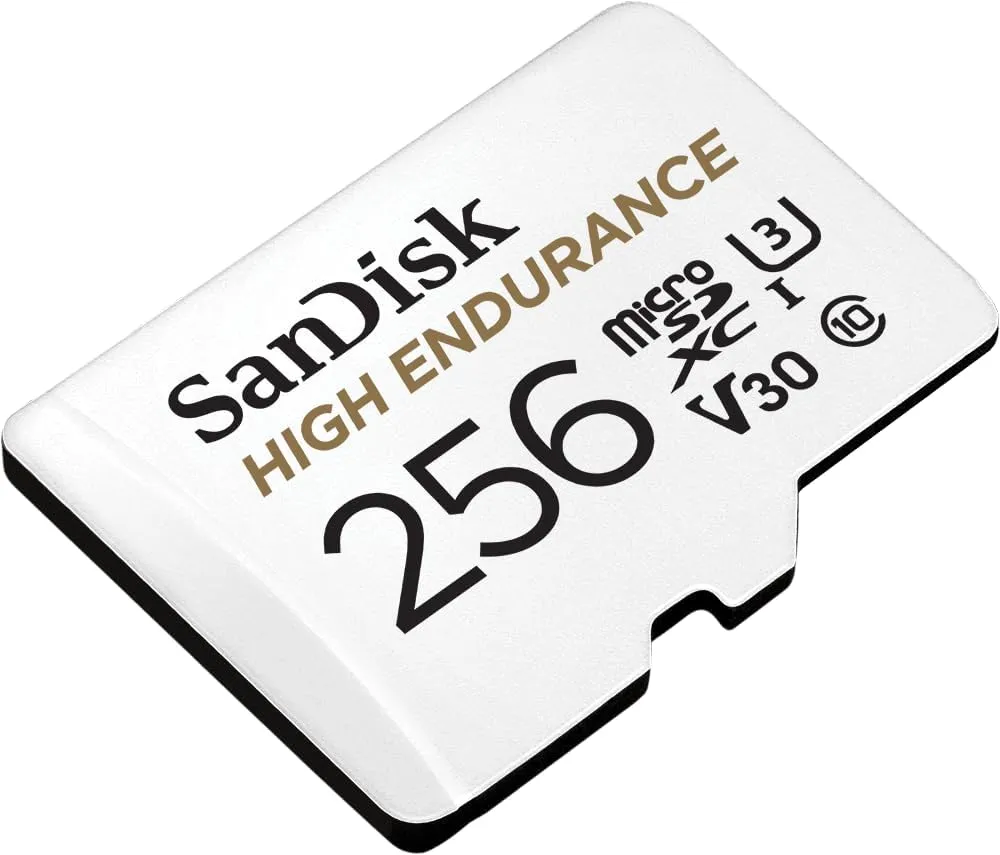
Best for: Staying on one brand across two cameras, or a longer single-channel loop
The same endurance construction as pick one in double the capacity. Worth choosing over the Samsung purely if you already run SanDisk and want identical formatting behavior across cameras — there is no meaningful performance argument between the two at this tier.
Pros
- Identical endurance rating to the 128GB, double the loop length
- Consistent behavior if your other cameras already run SanDisk
Cons
- No real advantage over the Samsung equivalent
- Still fills fast with parking mode enabled on two channels
Best for parking mode
4. SanDisk High Endurance 512GB microSD
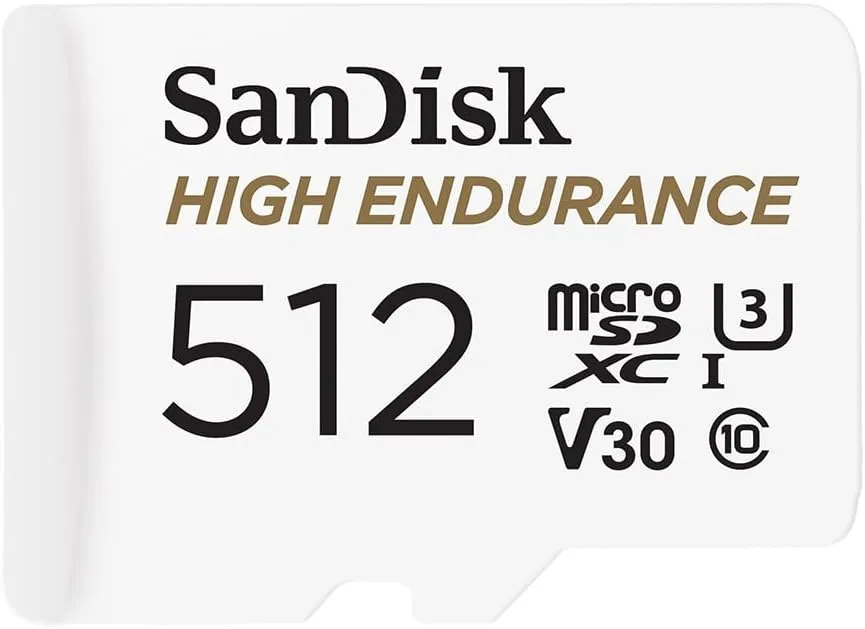
Best for: Buffered parking mode, which records while the car is parked and eats capacity
Skip if: You only record while driving — you will never review most of this footage
Parking mode changes the maths. A camera recording motion and impact events around the clock writes far more than one that only runs while you drive, and a short loop can overwrite the incident before you notice it happened. This is the capacity that buys you a few days rather than a few hours.
Pros
- Long enough retention that a parked incident survives until you check
- Same endurance rating as the smaller cards in the range
Cons
- Unnecessary expense if parking mode is not wired in
- Large cards take noticeably longer to format in-camera
Budget pick, with a caveat
5. Samsung PRO Endurance 128GB (MB-MJ128GA/AM)
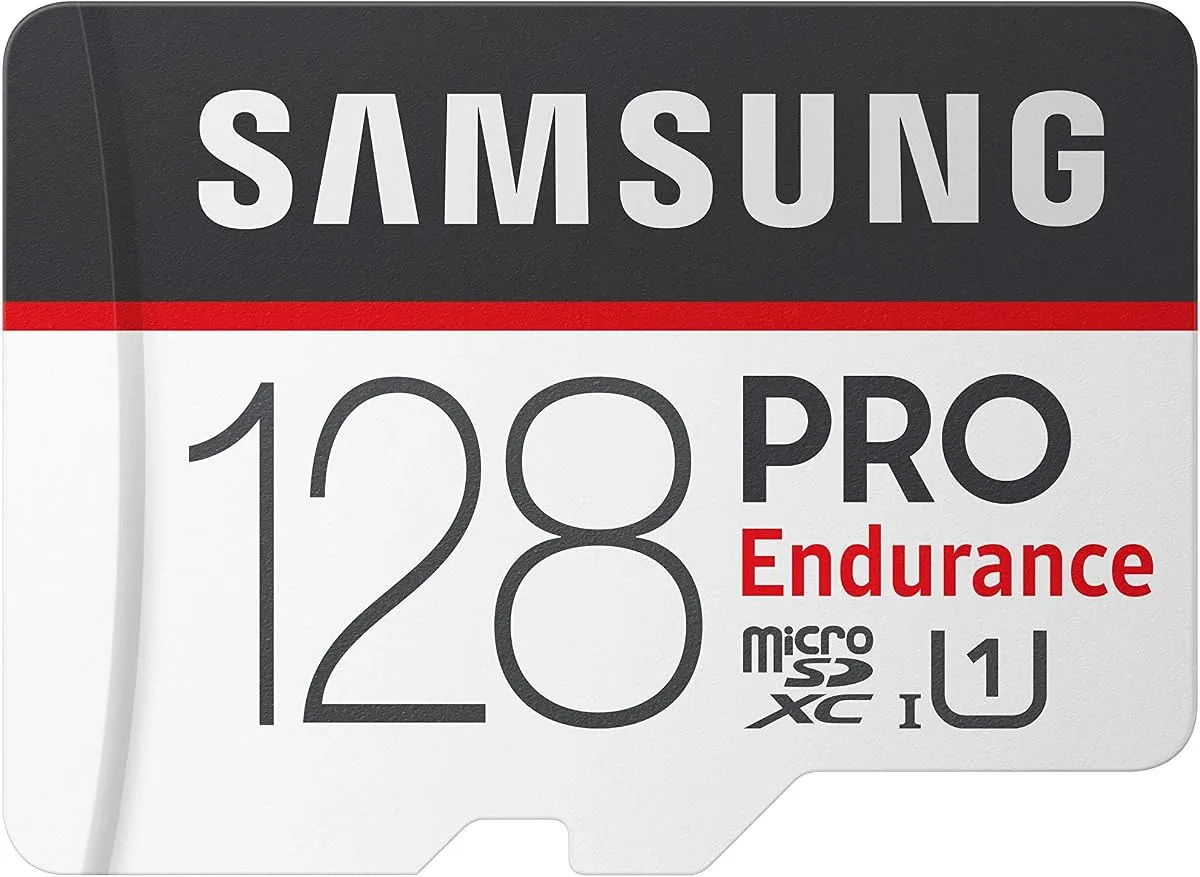
Best for: A 1080p single-channel camera on a tight budget
Skip if: Your camera records 2K or above — this generation is only U1 rated
This is the older U1-rated PRO Endurance rather than the current U3 and V30 version, and that distinction matters more than the price difference. U1 guarantees only 10MB/s sustained write. That's adequate for 1080p and marginal for 2K, which is exactly the kind of mismatch that produces dropped frames nobody notices until they need the footage.
Pros
- Genuine endurance construction at the lowest price in the range
- Fine for a 1080p single-channel camera
Cons
- U1 only — 10MB/s guaranteed sustained write, against 30MB/s for V30
- Not enough headroom for 2K or 60fps recording
- Easy to buy by accident when you meant the current version
Frequently asked questions
Can I use a normal microSD card in a dash cam?
It will work at first, and that's the problem. Dash cams write continuously and overwrite in a loop, which is a far harsher workload than the occasional bursts a card designed for photography expects. Standard cards wear out and start producing corrupt files while the camera still appears to be recording normally — so you discover the failure at the exact moment you need the footage.
What does 'high endurance' actually mean on a memory card?
It refers to the card's rated tolerance for total data written over its life, and to the flash memory type used. Endurance-rated cards are built for continuous-write applications like dash cams and security cameras, where the same blocks get overwritten thousands of times. It is a durability specification, not a speed one — a fast card and a high-endurance card are different claims.
What do U3 and V30 mean, and do I need them?
Both describe guaranteed minimum sustained write speed. U1 guarantees 10MB/s; U3 and V30 both guarantee 30MB/s. For 1080p recording, U1 is adequate. For 2K, 4K, or 60fps, you want V30 — sustained write is what determines whether frames are dropped during recording, and a card that can't keep up fails quietly rather than warning you.
How big a card do I actually need?
It depends on channels and parking mode more than resolution. A single 1080p channel is comfortable on 128GB. Adding a rear camera roughly doubles the write rate, which halves your loop length. Enabling parking mode adds recording around the clock. The question worth asking is how many days of retention you want before the loop overwrites an incident you haven't noticed yet.
How often should I replace a dash cam memory card?
Even endurance-rated cards are consumables in this application. Every one to two years of continuous use is a reasonable replacement interval, and sooner if the camera starts reporting card errors. Formatting in-camera every month or two also helps, because it clears file-system fragmentation that builds up under constant looping.
Why does my dash cam say the card needs formatting?
Usually file-system damage from the constant overwrite cycle, sometimes from the card losing power mid-write when the car is switched off. Format in the camera rather than on a computer — the camera writes the file system layout it expects. If the message keeps returning after a format, the card is wearing out and should be replaced rather than reformatted again.